Privacy, in plain English
Here is what Rally knows about your trip.
Rally uses the account, vehicle, location, and game data it needs to work. We do not sell or rent personal information. Rally does not use advertising trackers. This page explains what gets saved and which choices are yours.
This page explains the product in plain English. The Privacy Policy has the complete legal details.
◉Used to run the appYour roadbook, routes, and arrival alerts
⌖We do not sell or rent your dataRally uses it only to operate the app and the features you choose
What the app saves
Rally remembers enough to keep your progress.
Your roadbook needs to be there when you open the app again. Rally saves the records it uses to restore your visits, verify achievements, send destinations, and continue an active route.
TSigning in with Tesla
Tesla hosts the sign-in screen, so Rally never sees your Tesla password. We store an account identifier and encrypted access tokens so you can stay connected. Rally may receive vehicle status and the result of a command. When you import charging history, we save Tesla's session ID, VIN, date, site, charging time, energy, cost when available, and the checkpoint matched to that session.
⌖Using your current location
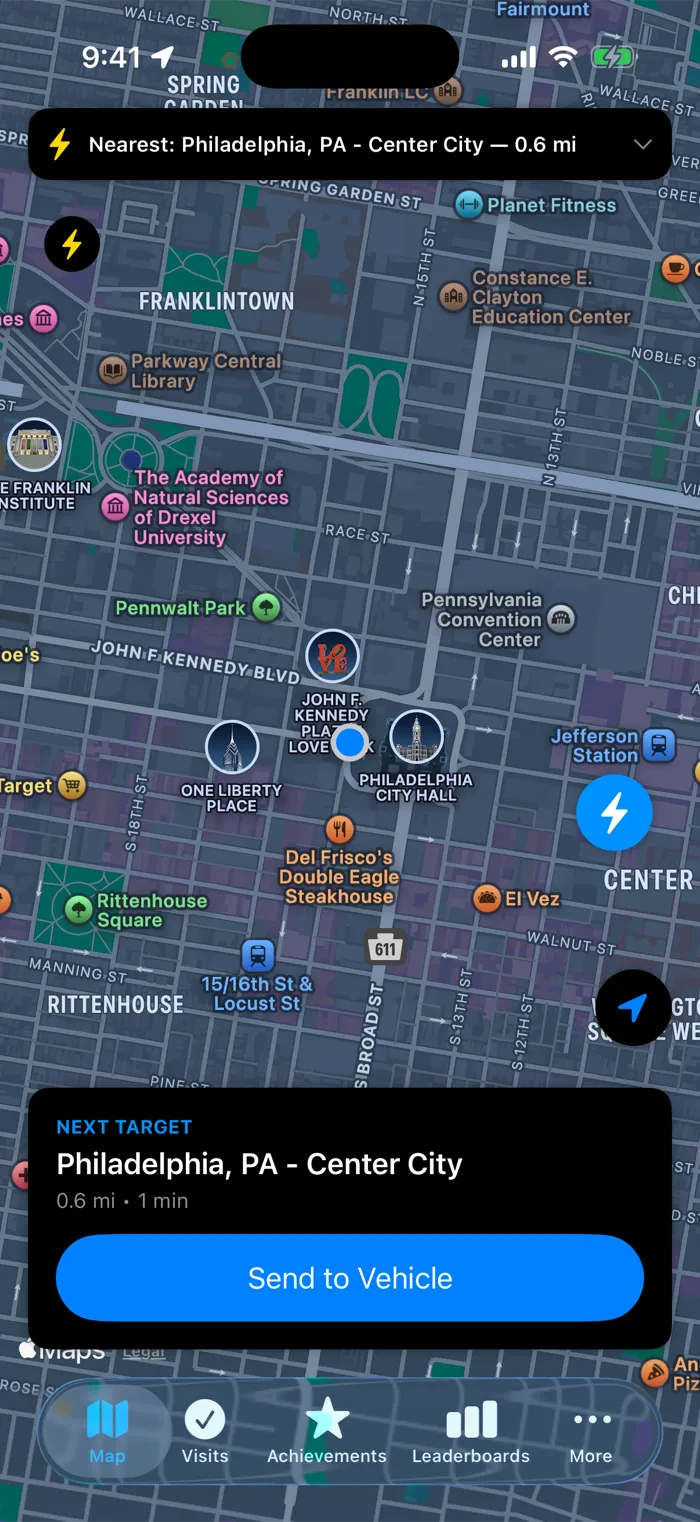
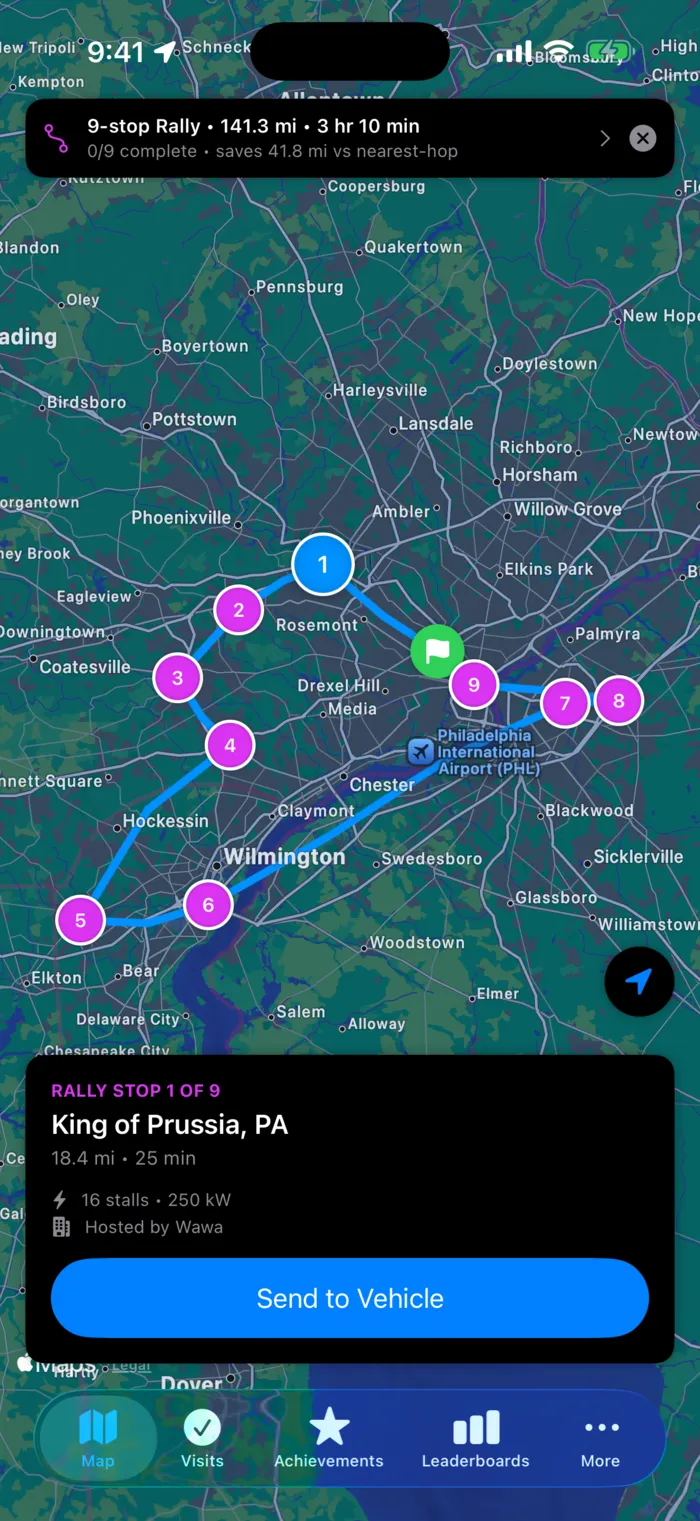
With location permission, Rally can show where you are on the map, find nearby checkpoints, start a route from your position, and notice when you arrive. Some map and route requests use your current coordinates. We do not build a trail of where you travel or store a continuous movement history.
⚡Remembering your progress
Rally saves accepted checkpoints, visit times, available charging energy and cost, achievements, active targets, and Rally and Dash results. These records restore your roadbook when you return and help verify achievement progress. Waypoint-send counts enforce the limits on your plan.
↗Building a Trip
A private Trip is a file in the app's private iCloud storage, with a local copy for offline use. It can follow you to another iPhone or iPad signed into the same Apple account. Its name, notes, added stops, and selected photo copies do not go to Rally's servers while you edit. If you choose Publish, Rally rebuilds the verified charging facts from your account and receives the Trip details and photos shown in the publishing preview.
♠Playing a Poker Run
Rally saves the run, its players and drops, your accepted card claims, your hand, and the final result. A claim sends one current location reading so Rally can check the drop radius. Rally keeps the accepted distance and accuracy, not the coordinate you submitted. Live hands and live player locations never appear on the website.
•••Making Rally better
We record a small set of achievement browsing events and service logs. They help us spot a broken screen or a feature people cannot find. Achievement analytics exclude your search text, precise location, Tesla credentials, contact email, and vehicle identifiers. Rally does not use advertising trackers.
Rally does not collectYour Tesla passwordAn advertising identityA continuous phone-location history
What location unlocks
Rally checks where you are when a feature needs it.
Your position can appear on the map, set the start of a route, or help Rally notice a nearby checkpoint. You can decline access and dismiss future reminders. The app still works, but it cannot react to an arrival while your phone is locked.
While using RallyThe map can show your position and nearby checkpoints. Routes can begin where you are.
Always allowedRally can warn you about an approaching checkpoint and notice your arrival while the phone is locked. It can then celebrate the visit and continue an active route.
Location offYou choose starting points and destinations yourself. Background arrival alerts and automatic checkpoint captures will not work.
If location stays off
You can still use Rally.
You will need to choose places yourself, and Rally cannot notice a checkpoint in the background. The rest of these features remain available.
01Browse achievements
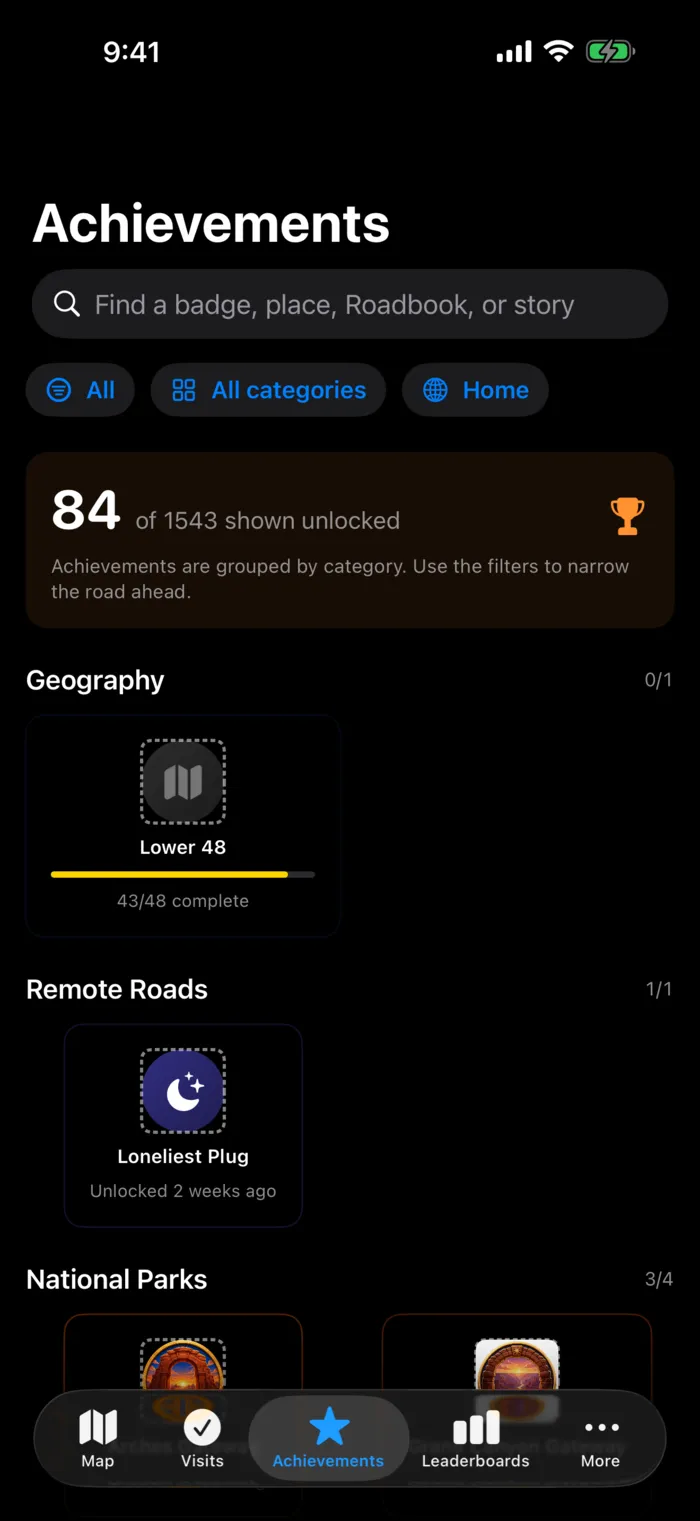
Explore the full atlas, including stories, collections, and secret achievements you have already found.
02Plan from a place you choose
Enter a starting point and destination instead of using your current position.
03Send a destination
Choose a Supercharger yourself and send it to your participating vehicle.
04Import Tesla history
Bring in eligible charging sessions and use them to restore visits and achievement progress.
Sharing is opt-in
You choose each thing that becomes public.
Rally creates a public profile only after you accept the Leaderboard & Public Profile Terms and choose to join. Publishing a Trip is another separate choice with its own preview and terms. A public Trip can show its route, stops, selected photos, achievements, and Trip-level charging totals. Your other Trips remain private in your iCloud account.
✓If you change your mindLeave the leaderboards and your public profile comes down. Your name also disappears from future standings. Copies already cached or shared elsewhere may remain.
PUBLIC RALLY ROADBOOKOnly after you opt in
Shown when you choose
- ✓The public username you choose
- ✓Eligible leaderboard results
- ✓Verified Rally and Dash summaries
- ✓Aggregate checkpoint, region, distance, and energy totals
- ✓Achievement names and unlock dates
- ✓Trips you deliberately publish, including their selected photos and Trip-level charging totals
- ✓Finished Poker Run hands, results, winners, and collectible tokens
Never shown
- ×Your contact email
- ×Tesla account, VIN, or vehicle identifiers
- ×Live or precise phone location
- ×Unpublished Trips, notes, and photos
- ×Charging receipt identifiers or payment information
- ×Subscription details or waypoint-send usage
- ×Live Poker Run hands, invitations, or player locations
Your choices remain yours
You can change these settings later.
01Location
Change access in iOS Settings. You can also tell Rally to stop reminding you about locked-phone alerts.
02Public profile
Join from Leaderboards when you want to compete. Leave when you do not.
03Tesla access
Log out of Rally, or revoke the connection from your Tesla account.
04Your account
Delete your Rally account and its active data from Profile.
05Published Trips
Unpublish a Trip from the app. Its public page comes down, though copies shared or cached elsewhere may remain.

The short version
Rally saves what it needs to run the game. You choose the rest.
Location access and public sharing are separate settings. You can change either one later, and you can delete your account from Profile.